How to relist on Vinted (without losing your listing)
Relisting on Vinted means creating a new listing. Here is the safe order, what you lose and how to avoid deleting an item before the new one is live.
Guides8 min read
Short answer
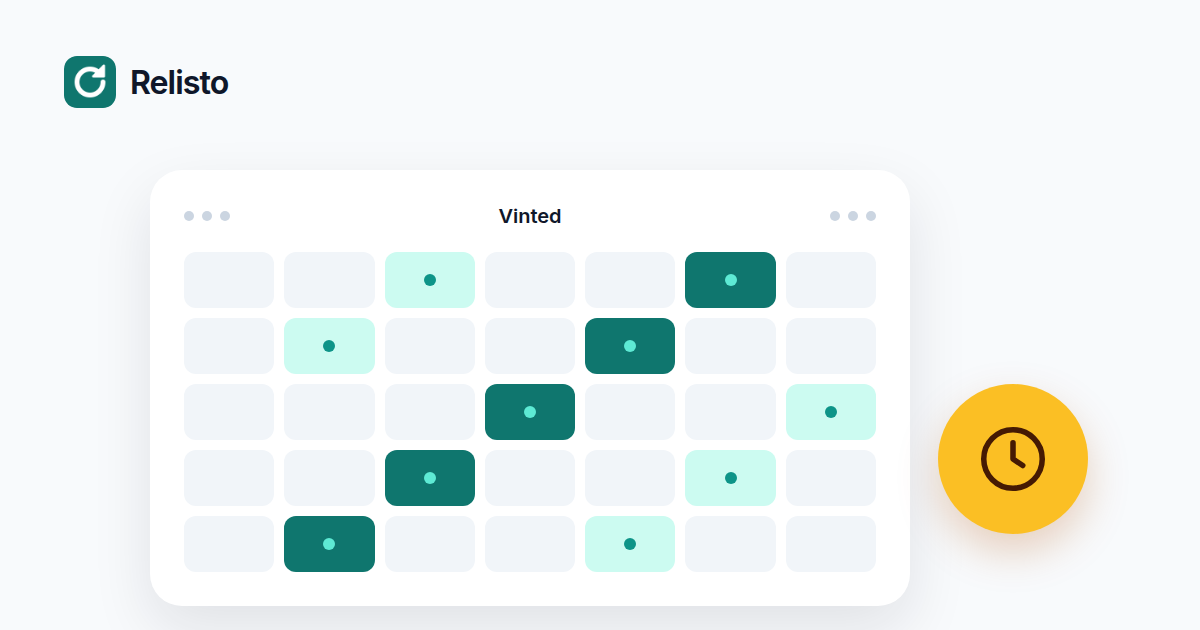
There is no official number. Relist an item when it has gone stale and still has little engagement, not on a fixed loop. Vinted's terms restrict deleting and relisting items repeatedly or in bulk, so keep the volume low and use edits, price changes or paid boosts first.
There is no official relist frequency on Vinted. Vinted does not publish a number of days after which you should delete and upload an item again. Any article that gives you a precise schedule is giving you advice, not a platform rule.
That leaves you with a judgement call. The useful question is not “how often can I relist?” It is “when is a relist better than an edit, a price change or a paid boost?”
This guide gives a careful default, the part of Vinted’s terms that matters, and a short checklist for the decision.
Vinted’s terms do not publish a number, but they do describe the behaviour to avoid. The terms prohibit deleting and relisting the same item multiple times, or many items in bulk.
The same terms also restrict external software tools such as bots and scraping programs unless Vinted authorises them. That does not make every tool a violation, but it means automation has to be used with restraint. No tool can promise that Vinted will never limit an account.
This is why a fixed daily loop is a bad idea even if it looks efficient. The risk is not only that the loop stops working. The risk is that the account gets restricted for behaviour Vinted’s terms already warn about.
A calm default looks like this:
If you sell 40 items and 5 are stale, a relist of those 5 is a reasonable week. If you sell 40 items and you relist all 40 every week, you are not refreshing the wardrobe. You are running a loop.
Before you delete anything, look at the listing as a buyer would.
Views and favourites. No engagement after a few weeks suggests the listing is not reaching people, or that the price is wrong. A pile of favourites suggests the item is wanted but the price or the timing is off.
Price and photos. If the price is above similar items, a relist will not fix it. If the photos are dark or incomplete, a relist is a chance to improve them.
Season and questions. A winter coat in July will sit. If buyers keep asking the same question, add the answer to the description. That is an edit, not a relist.
Your volume. If you relisted the same item in the last week, stop. If you are about to move dozens of items at once, spread them out.
Relisto can run relists on a schedule, but the schedule is not a licence to loop. The product adds several limits:
Those settings are there to make a relist behave like a careful manual action rather than a burst. They do not change Vinted’s terms. You still decide which items to relist and how often to run the schedule.
The extension backs up each listing, creates the new one, waits for Vinted to process it, checks that it is online, and then removes the old one. If Chrome closes in the middle, the relist is finished or rolled back safely.
If an item is not selling, the answer is often not a relist. Improve the photos, change the price, answer questions, or use a Bump or Showcase. Those options keep the existing listing and its history. If the item is out of season, wait. A relist is not a substitute for demand.
If you decide that a relist is the right move, do it carefully. Our guide to relisting on Vinted covers the safe order, and our comparison of relisting versus boosting explains when to keep the old listing instead. You can see the scheduled workflow on the home page and the plans on the pricing page.
Vinted does not publish a relist frequency in its Help Centre. Its terms do prohibit deleting and relisting the same item multiple times, or many items in bulk. That is a rule about behaviour, not a published number.
A weekly loop is not a good default. It is exactly the kind of repeated relisting that Vinted's terms warn about, and it throws away favourites on every cycle. Review an item every 2 to 4 weeks and relist only if it is genuinely stale.
Yes. Relisto can run schedules with rules, but it adds random pauses, a daily cap and a gap before the same item is relisted again. It also stops the queue when Vinted asks for a verification. It does not bypass Vinted's rules.
Improve the photos and description, adjust the price, answer questions, or use Vinted's paid visibility services. If the item is out of season, wait. Constant relisting is rarely the best use of your time.
Tired of doing this by hand? Relisto relists your items automatically, with a backup first so nothing is lost. Try it free for 7 days.
Relisto is not affiliated with Vinted.