Relist or boost on Vinted: which one, and when?
Relisting and boosting do different jobs on Vinted. Compare what each one costs you, what it keeps and when to choose one over the other in practice.
Guides7 min read
Short answer
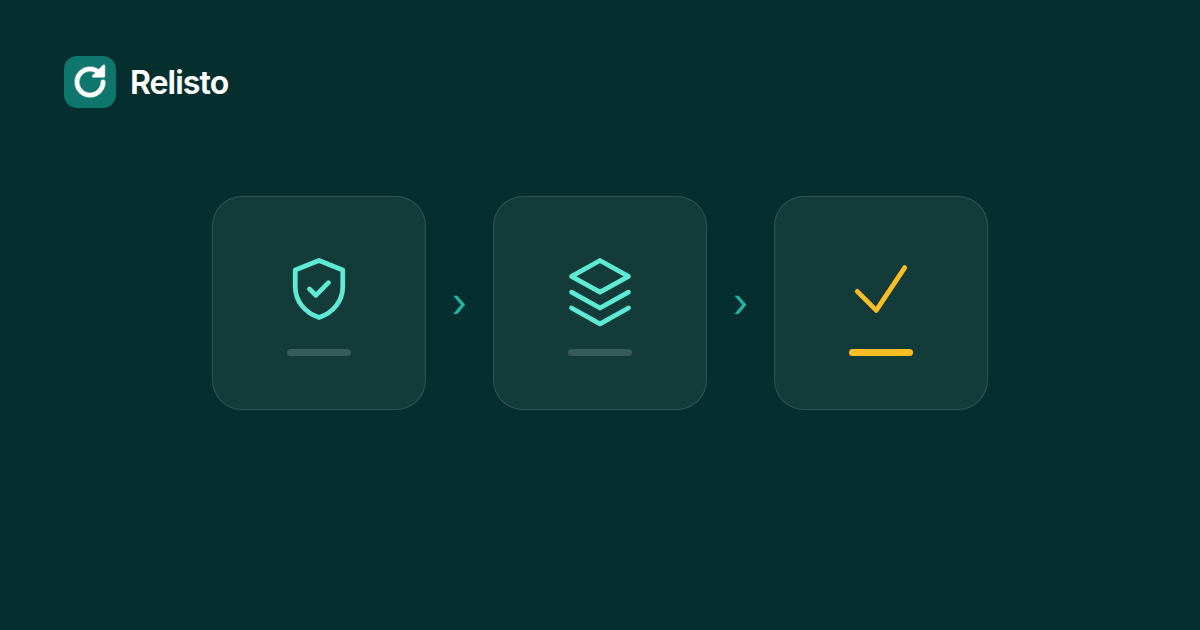
On Vinted, a relist is a new listing, not a refresh of the old one. The safe order is to save the photos and details, create and verify the new listing, then remove the old one. If the new listing fails, the old one stays live and nothing is lost.
Vinted does not offer a one tap relist action in its standard listing tools. A relist is a new listing for the same item, and the old listing is usually removed at some point. That sounds simple until you delete first and the new upload fails. The item is gone, along with its photos, its description and the people who had saved it.
You can avoid most of that risk by changing the order. Save everything first, create the new listing, check that it is live, and only then remove the old one. This guide walks through that order, what it costs you, and the cases where relisting is the wrong move.
A relist is not an edit. It is a separate listing. The item gets a new publication time, a new listing page and its own views and favourites. The old listing does not turn into the new one.
Vinted’s own help pages describe how to hide, edit or delete a listing, but not a dedicated relist action. In practice, sellers relist by uploading the item again. Vinted says identical items cannot be listed twice, so the old listing usually has to come down as part of the process.
The reason sellers do it is visibility. Vinted says its recommender systems use parameters such as the time since an item was uploaded and listing frequency when deciding what to show. A new listing starts with a new upload time. That can put the item in front of people who missed it, but it is not a guarantee of more views or a sale.
The new listing starts with no views and no favourites. The old listing’s numbers do not follow it. If an item has a queue of people who saved it, deleting the listing throws that interest away. Those people may not see the new listing at all.
That is the trade. The upload itself may be free, but you are spending the history of the listing. For an item with little engagement, the trade can make sense. For an item with strong engagement, it often does not.
There is a second cost that is easier to miss. Relisting is repetitive, and repetition invites shortcuts. The more listings you move in a day, the easier it is to lose a photo, paste the wrong description or forget to check the new listing before deleting the old one.
The safest relist begins outside Vinted. Save the listing before you change anything.
Vinted’s upload form asks for photos, a title, a description, a category, a brand, a condition, a price and a package size. Some categories ask for more. Open the old listing and collect all of it:
Check the photos for the details buyers ask about: labels, measurements, close ups of wear and any marks. If the old listing was thin, the new one is a chance to fix that.
If you use Relisto, this backup is the first step of the relist itself. The extension saves the photos and fields locally, reads them back and checks them before it creates anything new.
The order matters more than the tool.
Vinted’s duplicate rule is the reason to be careful here. If the new listing is rejected because the item looks identical to one that is already live, do not delete the old listing in a hurry. Sort out the duplicate issue first. The backup is what lets you do that without losing the item.
This is the sequence Relisto follows. It backs up first, creates and checks the new listing, then removes the old one. If anything fails, the old listing stays untouched.
A relist can go through without drama. The problems appear at the edges.
Vinted’s processing takes longer than expected. A new listing can stay in processing for a few minutes. Relisto waits up to 15 minutes before it touches the old listing. If you are doing it by hand, check your profile and the listing status before you act.
A photo is missing or in the wrong order. This is easy to miss when you upload from a phone. Compare the new listing with the backup before you remove anything.
The category or brand is wrong. A wrong category can keep an item out of the searches where buyers look. Check the category on the live listing, not only in the upload form.
The price changed by accident. Copying a description can carry an old price or an old bundle rule. Read the price and shipping settings on the new listing.
Vinted asks for a verification. Stop there. A verification request is not something to work around. Relisto stops the whole queue when Vinted shows one, and it does not try to bypass it.
Chrome closes in the middle. If you relist with a tool, the relist should finish or roll back safely the next time Chrome starts. If you do it by hand, the backup is your fallback.
No tool can promise zero risk on Vinted. Automation is restricted by Vinted’s terms, and every seller is responsible for how they use their account. The goal is to reduce the chance of losing a listing, not to pretend the risk does not exist.
Relisting is a tool for a specific situation: an item has gone stale, has little engagement and could use a fresh start. It is not the right move for every item.
Skip the relist when:
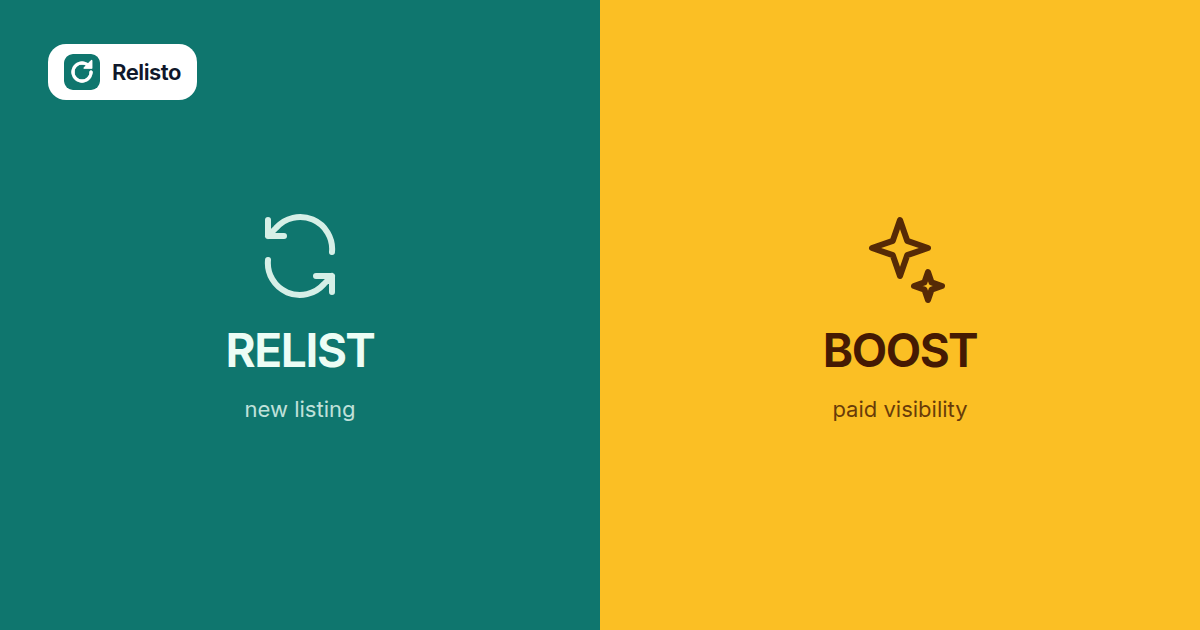
Vinted also sells visibility. A Bump puts an item higher in newsfeeds and search results for 3 or 7 days, or until it sells. Showcase is a paid feature that boosts all of your listings’ visibility. Those services keep the existing listing and its history. For an item with saved favourites, that can be the better trade. Our guide to relisting versus boosting goes through the decision in detail.
Relisto is a Chrome extension for Vinted sellers. It runs in your own browser with your own Vinted login, so it never asks for your password.
For a relist, it follows the order in this guide:
If Chrome closes in the middle, the relist is finished or safely rolled back the next time Chrome starts. Schedules use random pauses, a daily cap and a 24 hour gap before the same item can be relisted again. If Vinted shows a verification, the queue stops.
Relisto is not a way around Vinted’s rules. It is a way to do a careful relist without repeating the same clicks for every item. You can see the full feature list on the home page and the plans on the pricing page. If you are deciding how often to do this, read our guide to how often you should relist on Vinted.
A manual relist is free. Vinted also sells paid visibility services such as Bumps and Showcase, which are separate from relisting. The price of a paid service is shown at checkout before you pay.
Yes. A relist creates a new listing, so the views and favourites on the old listing stay with the old listing and do not transfer. If an item already has strong engagement, edit it or use a paid visibility service before you consider deleting it.
Vinted's terms prohibit deleting and relisting the same item multiple times, or many items in bulk. Keep the volume modest and treat relisting as a decision for stale items, not a daily loop.
No. Relisto backs up the listing, creates the new one, waits for Vinted to finish processing it, checks that it is online, and only then removes the old one. If any step fails, the old listing stays untouched.
You can manage listings manually in the Vinted app. Relisto itself is a Chrome extension for a computer, so it does not run on a phone or tablet.
Tired of doing this by hand? Relisto relists your items automatically, with a backup first so nothing is lost. Try it free for 7 days.
Relisto is not affiliated with Vinted.